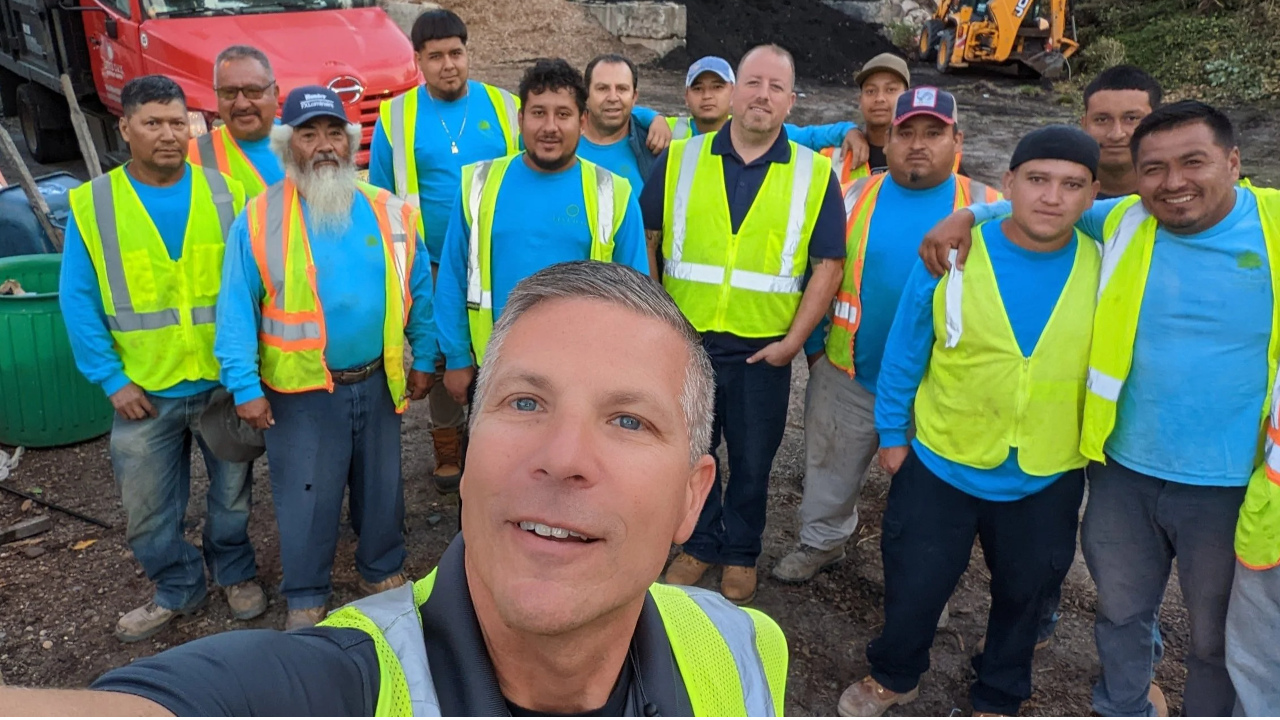
Training Your Team on New Workforce Management Software

In today's fast-paced field service industry, efficiency and accuracy are paramount. Upgrading to modern workforce management software is no longer a luxury but a necessity for HVAC, plumbing, electrical, home care, cleaning, landscaping, and delivery businesses aiming to stay competitive. However, the true value of any new technology lies in its adoption by your team. The thought of training your entire workforce on a new system can feel daunting, often leading to concerns about lost productivity, resistance to change, and a steep learning curve. But what if the training process could be seamless, intuitive, and even empowering for your field workers?
At FieldStaff Workforce, we understand these challenges. That's why we've designed a platform that not only transforms your operations but also simplifies the transition for your team. This guide will walk you through effective strategies for training your team on new workforce management software, highlighting how FieldStaff Workforce is built to make this process as smooth as possible, regardless of whether you have 5 or 500+ field workers.
The Stakes: Why Effective Software Training Matters
Without proper training, even the most advanced workforce management software can become an underutilized tool, leading to:
- Low User Adoption: If your team struggles with the new system, they'll revert to old, inefficient methods.
- Reduced Productivity: Initial confusion and frustration can slow down operations, impacting service delivery and customer satisfaction.
- Inaccurate Data: Incorrect usage leads to flawed data, undermining the very insights the software is meant to provide.
- Wasted Investment: The financial and time investment in new software yields little return if not properly implemented and embraced.
- Employee Frustration: A difficult transition can lead to morale issues and increased turnover.
Conversely, a well-executed training program ensures your team quickly harnesses the software's full potential, leading to immediate improvements in efficiency, communication, and overall business performance.
Keys to Successful Workforce Software Training with FieldStaff
1. Start with Clear Communication and Vision
Before any training begins, it's crucial to communicate the 'why.' Explain to your team *how* the new workforce management software will benefit them directly, not just the company. Highlight how FieldStaff Workforce will:
- Reduce paperwork and administrative tasks.
- Provide clearer job details and schedules.
- Ensure accurate pay through precise time tracking.
- Improve safety and communication in the field.
Involve key team members and supervisors early in the process. Their buy-in and feedback are invaluable for tailoring training and fostering a sense of ownership.
2. Leverage Intuitive Design for Faster Adoption
One of the biggest hurdles in software training is complexity. FieldStaff Workforce is built with a user-first philosophy, boasting an intuitive interface that simplifies learning. Its mobile-first design means field workers, who are often on the go, will find the mobile dashboard familiar and easy to navigate. This inherent ease of use significantly reduces the training burden, allowing your team to become proficient faster.
3. Implement Role-Based Training Modules
Not everyone needs to know every feature. Tailor training to specific roles within your organization:
For Field Workers (Technicians, Caregivers, Drivers):
Focus on features they'll use daily:
- GPS Clock-In: Show them how to easily clock in and out directly from their job site via their mobile device, ensuring accurate timekeeping and eliminating manual timesheet errors.
- Mobile Dashboard: Guide them through accessing their daily schedule, job details, customer information, and communication tools all from one centralized, easy-to-use interface.
- Digital Daily Logs: Train them on how to quickly complete job reports, add notes, capture photos, and collect customer signatures digitally, replacing cumbersome paper forms.
- Real-Time Tracking (from their perspective): Explain how this feature enhances their safety and allows dispatch to provide better support and routing, reducing unnecessary calls.
- Geofencing: Demonstrate how geofencing can automatically prompt clock-ins/outs upon arrival/departure from job sites, ensuring compliance and accurate billing without extra effort.
Emphasize how these features simplify their day, reduce administrative burden, and ensure they get paid accurately for their time.
For Managers and Dispatchers:
Focus on the tools that empower them to oversee and optimize operations:
- Automated Scheduling: Train them on creating, assigning, and modifying shifts with drag-and-drop ease, optimizing routes and maximizing team capacity.
- Real-Time Tracking: Show them how to monitor the exact location and progress of field workers, enabling proactive communication with customers and efficient dispatching.
- Shift Management: Guide them through creating, publishing, and adjusting shifts, managing availability, and handling time-off requests seamlessly.
- Invoicing: Demonstrate how to generate accurate invoices based on completed jobs, materials used, and time logged, streamlining the billing process.
- Digital Daily Logs (review): Train them on reviewing and approving digital logs, ensuring quality control and easy access to job history.
Highlight how these tools provide unprecedented visibility and control, leading to improved decision-making and operational efficiency.
4. Offer Hands-On Practice and Pilot Programs
Learning by doing is most effective. Provide dedicated time for hands-on practice in a controlled environment. Consider a pilot program with a small group of tech-savvy or enthusiastic employees. Their feedback can help fine-tune training materials and identify potential roadblocks before a full rollout. These 'champions' can then become peer trainers, further embedding the new system.
5. Provide Ongoing Support and Resources
Training isn't a one-time event. Ensure continuous support with:
- Easily Accessible FAQs: A knowledge base of common questions and solutions.
- Video Tutorials: Short, digestible videos demonstrating key features.
- Dedicated Support Channel: A go-to person or team for questions during the transition.
- Feedback Loop: Regularly solicit feedback from your team to identify areas for improvement in both the training and the software's usage.
FieldStaff Workforce offers robust support to ensure your team always has the resources they need.
FieldStaff Workforce: Designed for Seamless Adoption
The beauty of FieldStaff Workforce lies in its comprehensive yet user-friendly design. Every feature is crafted to be intuitive, reducing the mental load on your team and accelerating the training process:
- GPS Clock-In & Geofencing: Simple, automated, and accurate time tracking that virtually eliminates payroll discrepancies and 'time theft.'
- Real-Time Tracking: Transparent operations for managers, and a sense of security and support for field workers.
- Automated Scheduling & Shift Management: Visual, drag-and-drop interfaces make complex scheduling easy to learn and manage.
- Digital Daily Logs: Eliminates messy paperwork, streamlines reporting, and ensures all job data is captured accurately and instantly.
- Mobile Dashboard: Puts all necessary job information, communication tools, and personal schedules directly into the hands of your field team.
- Invoicing: Connects directly to completed work, making billing faster and more accurate, reducing administrative overhead.
Whether you're managing a small team of 5 or a large enterprise with 500+ field workers, FieldStaff Workforce scales with your business, ensuring that every team member, regardless of their tech proficiency, can quickly master the platform. This means less training time, fewer headaches, and more time focusing on what matters most – delivering exceptional service.
The ROI of a Well-Trained Team with FieldStaff
Investing in proper training for your FieldStaff Workforce implementation yields significant returns:
- Time Saved: Less time spent on manual administrative tasks, scheduling conflicts, and payroll processing.
- Money Saved: Reduced errors, optimized routes, accurate billing, and improved operational efficiency directly impact your bottom line.
- Fewer Headaches: Streamlined processes, better communication, and consistent data mean less stress for managers and owners.
- Happier Workers: Empowered with easy-to-use tools, your team will experience less frustration, greater job satisfaction, and improved retention.
- Improved Customer Satisfaction: Faster, more reliable service delivery thanks to optimized operations and better communication.
Ready to Empower Your Team?
Implementing new workforce management software doesn't have to be a source of stress. With a strategic approach to training and a platform as intuitive and powerful as FieldStaff Workforce, you can transform your field service operations and empower your team for success. Our software is designed to make the transition smooth, ensuring your business reaps the full benefits of modern workforce management from day one.
Don't let the fear of training hold your business back from its full potential. Experience the difference a truly user-friendly and comprehensive solution can make.
Visit fieldstaffworkforce.com today to start your free trial and discover how seamlessly FieldStaff Workforce can integrate into your operations.
Ready to Modernize Your Field Team?
Get GPS clock-in, automated scheduling, digital daily logs, and live dispatch. Start a free trial — no credit card required.
Call 905-929-7322